Updating your profile

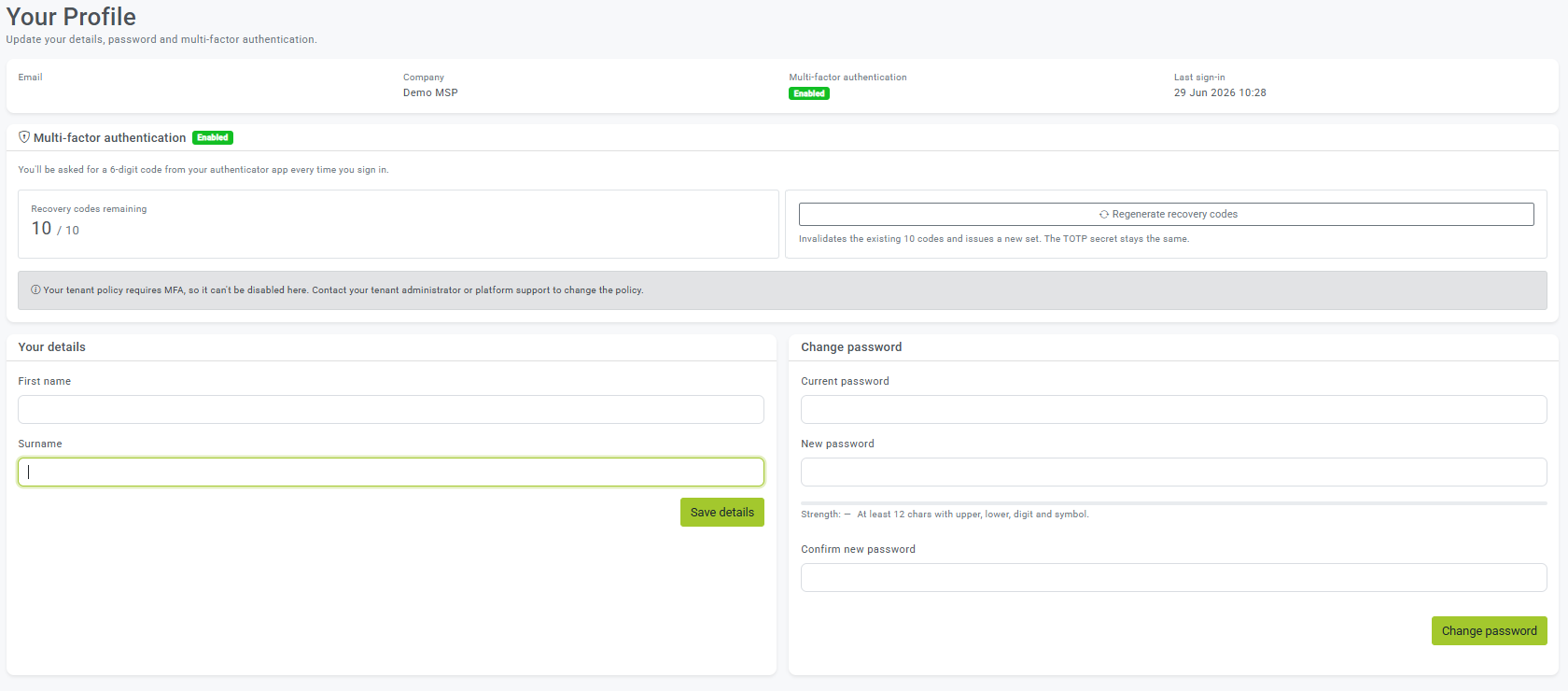
Your Profile is your own personal page in DMARCER, where you can update your name, change your password and manage multi-factor authentication. This guide walks you through each part.

Published 29 Jun 2026 3

You can update your name and contact details, change your password, and manage MFA from your profile.

How to update your details

  1. Open Account (or Profile).
  2. Edit your name and details.
  3. Click Save.

Was this article useful?

Be the first to vote.
Got feedback for our team? Send us a comment

Related articles